Bring your podcast to Fonaria.
Import the RSS feed and your episodes are on Fonaria in minutes. Subscribers and subscriptions, though, do not travel inside a feed: below is the inventory of what moves and what does not. In the meantime you keep publishing where you are.
No card required
Before you start
What moves across, and what does not
An RSS feed contains the episodes and nothing else.
- Episodes and audio files Yes, from the feed
- The import reads the feed of the platform you are coming from and brings in episodes, titles, descriptions and audio. Running it again creates no duplicates.
- Your subscribers No, not from a feed
- A feed does not contain the list of who listens to it: the platform you are leaving has that, and it has to be exported from there. On Fonaria you invite them, and each one gets their personal address.
- Subscriptions and payments No
- The payment relationship is between you and your current provider, and it does not move with an import. On Fonaria it starts again from your own Stripe account: from then on new payments land there.
- The podcast you have now Stays on
- The import switches nothing off. You keep publishing where you are until you decide to complete the move.
RSS import
Paste the feed, the episodes arrive
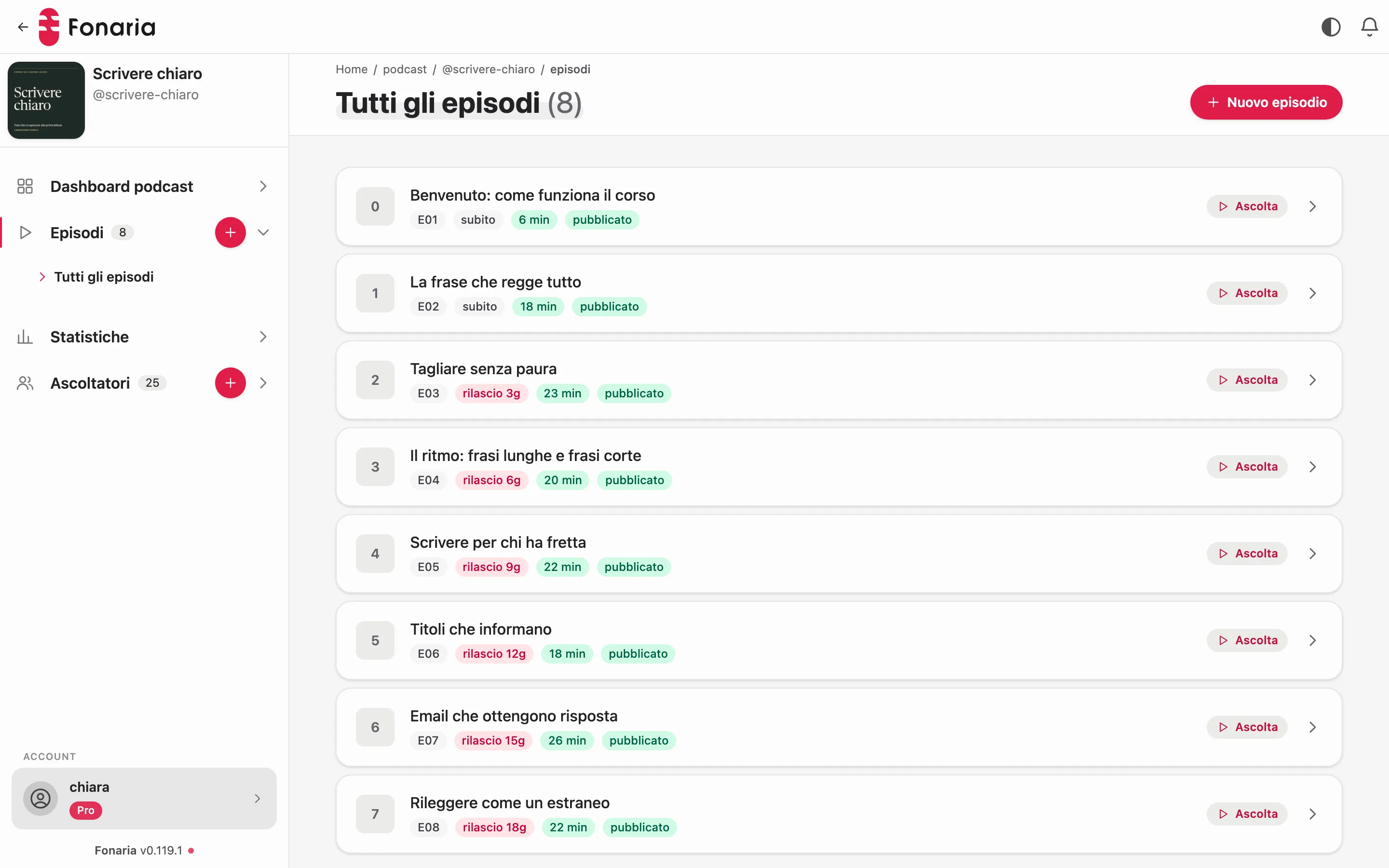
Titles, descriptions, covers and audio arrive as you had them. Running the import again creates no duplicates.
- Titles, descriptions and covers as in the source feed
- Running the import again creates no duplicates
- New episodes you publish elsewhere arrive on their own
- Imported episodes are in a private podcast right away
From where
Import from any host that exposes an RSS feed
If your podcast has an RSS feed (almost all do), Fonaria can import it. There’s no need for a dedicated integration per platform.
Private podcast platforms
Coming from a private podcast service like Hello Audio? Export the feed and import it: your content comes back into your hands.
Memberships and communities
From Patreon or other paid spaces that publish an RSS feed: bring the episodes to Fonaria and run access and invoicing yourself.
Classic podcast hosts
Spreaker, generic hosts and any platform that publishes a standard RSS: paste the feed and the import starts.
Any RSS feed
The host’s logo doesn’t matter: if the podcast exposes a valid RSS feed, Fonaria reads it and rebuilds the episodes.
How it works
From the old feed to your private podcast
You import, you check and only at the end you move your listeners.
Paste the RSS feed
Enter the URL of your current podcast feed. Fonaria reads it and prepares the episode import.
We rebuild the episodes
Titles, notes, metadata and audio are imported. Guid-based dedupe makes sure nothing is duplicated.
Check at your own pace
Confirm everything is there while you keep publishing where you are: the import doesn’t interrupt your current flow.
Move your listeners
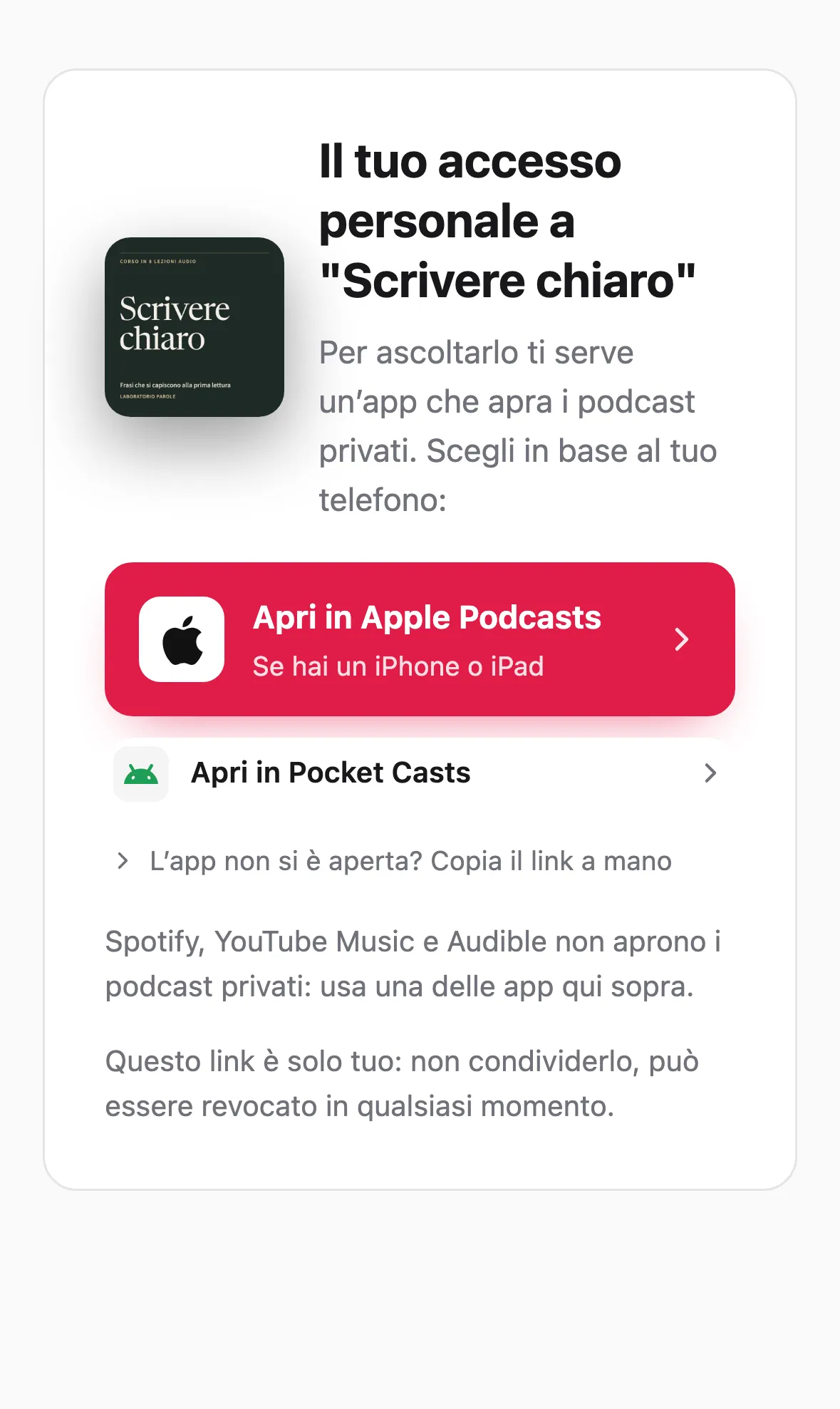
When you are ready you invite your listeners to Fonaria: each one gets their personal link.
During the move
What stays untouched
Publish while you import
The import doesn’t shut down your current podcast: keep publishing where you are until you decide to complete the move.
Customers stay yours
On Fonaria payments land in your own Stripe account and subscriber emails are yours: content, brand and the relationship with your audience don’t change owner.
Automatic updates
The source feed is checked again: new episodes arrive on their own.
Data hosted in Europe
Servers in Germany, every provider named.
FAQ
Questions about migration
Will I lose episodes or subscribers when I import the feed?
Which platforms can I import from?
Do I have to shut down my current podcast to migrate?
Do my content and customers stay mine?
Do you help me migrate?
Do imported episodes become private right away?
Try the import for free
Fourteen days, no card: paste the feed and check the episodes.
No card required