Create your private podcast.
Publish courses, coaching and memberships as a private podcast: every listener gets a personal RSS feed, opens it in their favourite podcast app, and you decide when each episode is released and until when. Sell access, and you own your customers and payments.
No card required

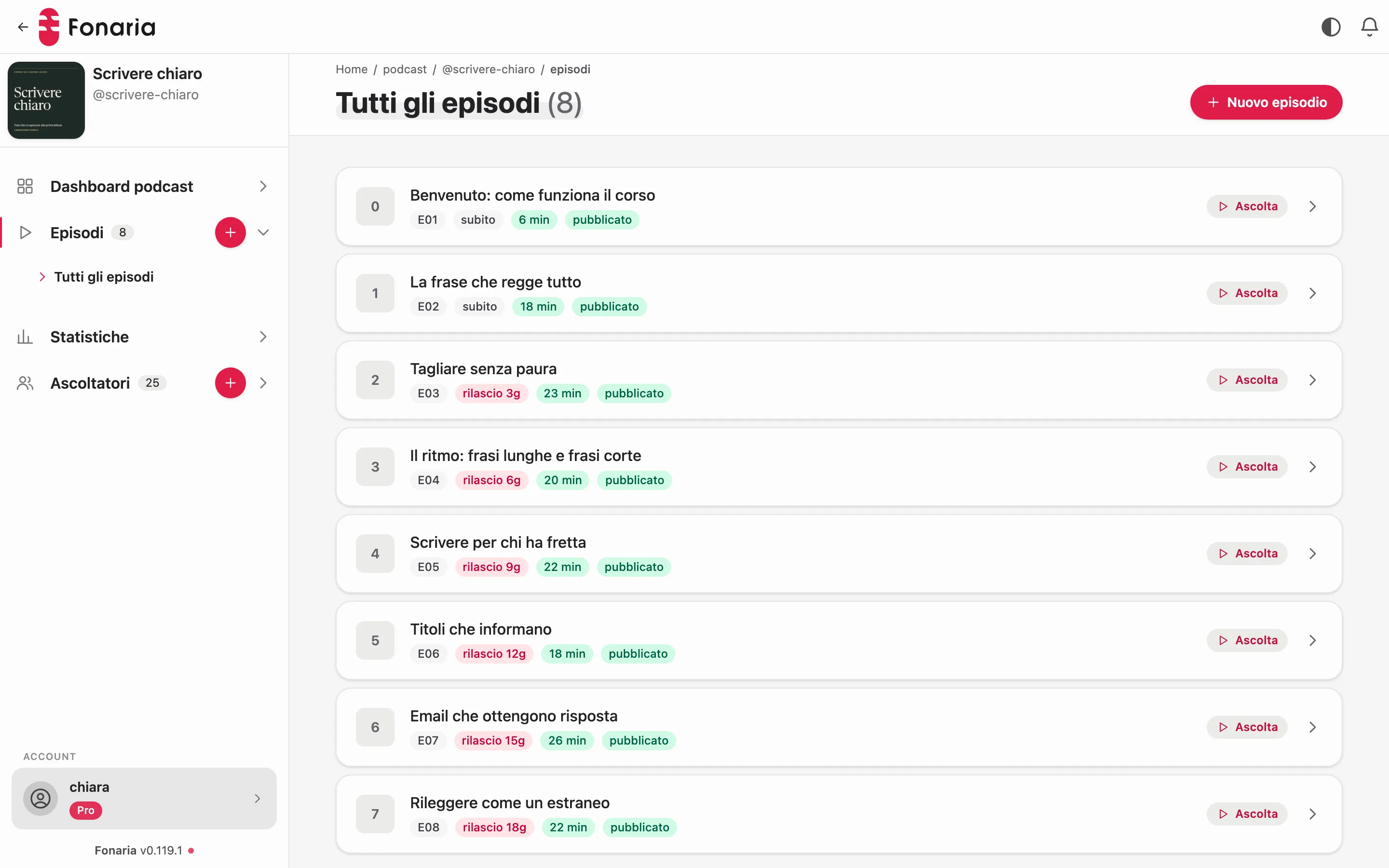
Plays in each listener’s podcast app
- Apple Podcasts
- Pocket Casts
- Overcast
- Castbox
- Podcast Addict
In short
What a private podcast is
A private podcast is an audio series that doesn’t appear in public directories: only people with the right link can access it.
It does not appear on Apple Podcasts or Spotify. With Fonaria every listener has their own address that you can revoke at any time; you also see which episodes they downloaded.
For the listener nothing changes: they listen in their usual podcast app, with no login. On iPhone the app is already there, on Android they install a free one.
The schedule, concretely
Two people, two schedules, one podcast
You set the sequence once. The day count starts when each person signs up, so you never open and close cohorts: someone arriving in October starts from episode one just like someone who arrived in January.
| The rule you set | Giulia signs up on 1 October | Marco signs up on 8 October |
|---|---|---|
| Episode 1, straight away | 1 October | 8 October |
| Episode 2, after 3 days | 4 October | 11 October |
| Episode 3, after 7 days | 8 October | 15 October |
| Episode 4, after 14 days | 15 October | 22 October |
Expiry works the same way. Set ninety days of access and Giulia reaches 30 December while Marco reaches 6 January, without you noting anything down anywhere.
A schematic of the schedule. The dates are an example, not real subscribers.
Access control
You decide who listens, what and when
You decide who listens to which episode and from when.
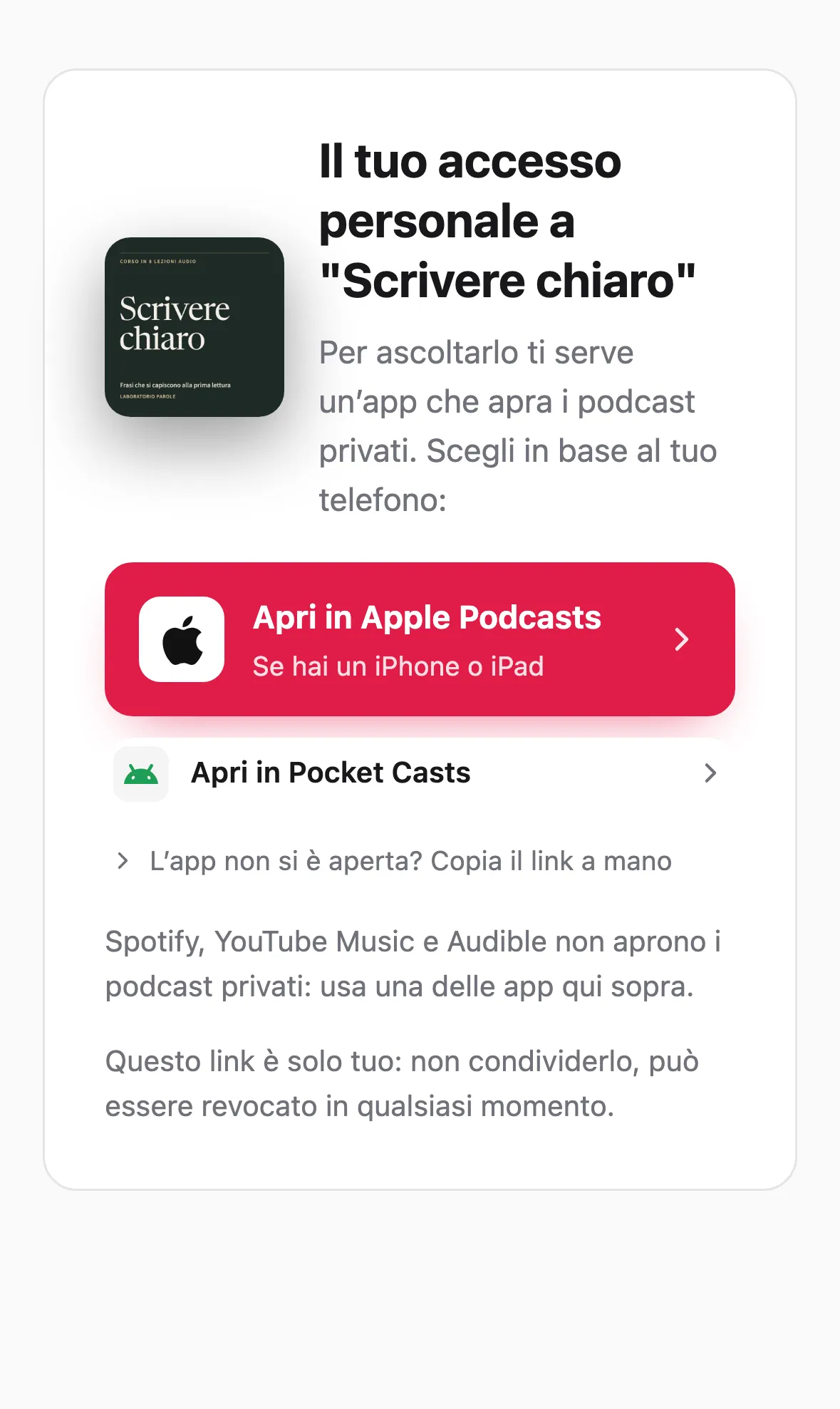
- A unique RSS feed per listener, with a secret token in its address
- Access revocable at any time, even after delivery
- Access to the whole podcast, with free, gradually released or expiring episodes
Per-listener feed
Every subscriber has their own personal address: you can switch one off without touching the others.
Drip + expiry
Episodes unlock X days after signup and, if you wish, expire after a period: time-boxed paths with no manual work.
Freemium
Offer a free preview with only the free episodes. On purchase access becomes full while keeping the same feed: no new link to set up.
How listening works
In the app they already use
The listener gets a personal link and opens it in the podcast app they use for everything else.
In a podcast app
They get their private feed and add it to Apple Podcasts, Pocket Casts or whatever app they already use. New episodes arrive on their own.
Personal and revocable
The link works only for them. When they stop being a customer you revoke it and new episodes stop arriving.
Listeners don’t create a Fonaria account and have no password to remember.
It’s all yours
Your revenue and your subscribers stay yours
Payments land in your own Stripe account; customers and emails are yours.
- Payments go straight into your own Stripe account
- Customers, emails and contact data remain your property
- You are the seller: the money lands in your Stripe account, not in ours
- Export your content and subscribers whenever you want
Frequently asked
Everything about private podcasting
What is a private RSS feed?
What’s the difference between a private and a public podcast?
Which podcast apps work?
Can I revoke a listener’s access?
Can I make only some episodes private?
Is it suitable for company use?
Launch your private podcast
Import or create your content, invite your listeners and sell access: money in your own account, customers that stay yours. The commission depends on the plan: 10%, 7% or 5%.
No card required